In December 2025, OpenAI reported that usage of structured workflows such as Projects and Custom GPTs had grown 19 times in a year, and it described the change as “a shift from casual querying to integrated, repeatable processes”. The same report said workers were saving 40 to 60 minutes per day, with heavy users saving more than 10 hours per week.
The figures describe one vendor’s customers and one vendor’s products. They still point to a change in how teams work with AI. A prompt that lives in one person’s chat history helps one person, and teams are now writing the procedure down, attaching the reference material and sharing it.
The cost of informal use
Informal use has a cost that shows up downstream. A survey of 1,150 U.S. desk workers by Stanford researchers and BetterUp found that 40% had received what the researchers call workslop in the past month, meaning AI-generated work that “appears polished but lacks real substance”. Each instance cost the recipient an average of 1 hour and 56 minutes, which the researchers estimated at about $186 per employee per month.
The survey did not ask whether the senders used shared procedures, so it cannot say that workflows would have prevented any of it. It does describe the problem a workflow is meant to address, which is output that looks finished and has not been checked against anything.
What a repeatable workflow contains
A repeatable workflow is a task with stable inputs and a stable output, a written procedure, an example of good work and a person who owns it. Meeting synthesis is the simplest case. The input is a transcript, the output is a fixed layout of decisions, owners and open questions, and the procedure says what counts as a decision and what to do when a speaker is unnamed.
Research synthesis adds a source list and a rule for flagging claims that appear in only one document. A data pipeline adds sequence, with a check after each step so that a bad intermediate result stops the run before it reaches a dashboard.
The difference from prompting by feel is where the procedure lives. The same instructions, stored where the team can read, edit and reuse them, become something a new hire can run on the first day and a manager can review.
Where the shared version lives
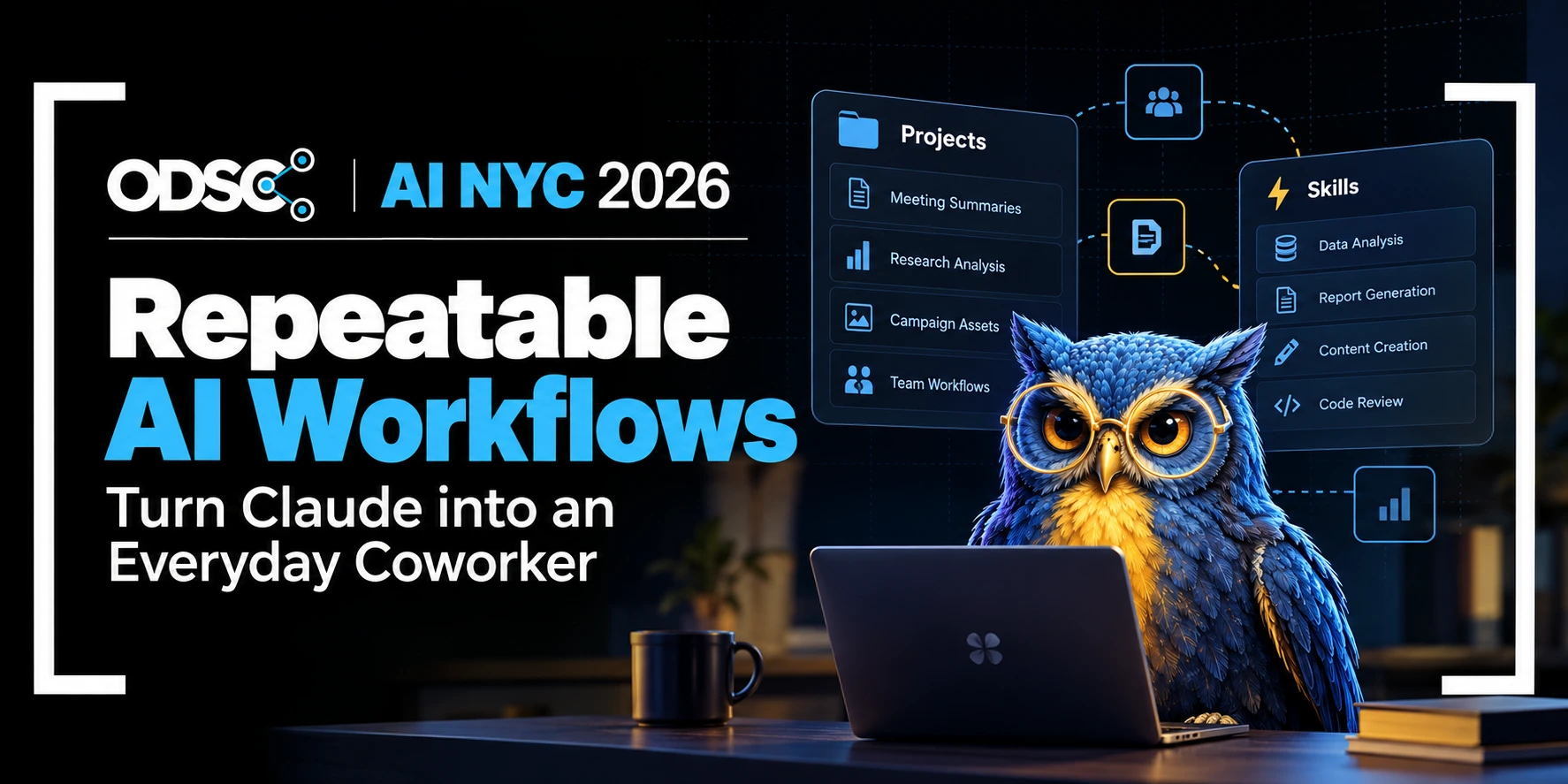
Anthropic’s documentation describes two mechanisms for this. Projects are “self-contained workspaces with their own chat histories and knowledge bases”, and each one can carry its own instructions. On Team and Enterprise plans, a project can be shared with specific people, groups or the whole organization, with either view or edit permission, so editing rights can sit with the workflow’s owner while everyone else runs it.
Skills are “folders of instructions, scripts, and resources that Claude loads dynamically” for specialized tasks. Claude loads only the skills relevant to the task at hand, so a growing library does not crowd the context window. Individuals can create skills for personal workflows, and on Team and Enterprise plans organization owners can provision skills for every member.
What teams have already packaged
Anthropic’s own teams offer examples, with the caveat that the figures are self-reported and the article describing them, from July 2025, concerns Claude Code. The growth marketing team built a workflow that takes a CSV of hundreds of existing ads, identifies the underperformers and generates replacements within strict character limits, using two specialized subagents. Anthropic says the workflow produces hundreds of new ads in minutes, work that used to take hours.
On the inference team, people without a machine learning background use Claude with shared CLAUDE.md files to understand model-specific functions, and Anthropic reports that research which took about an hour now takes 10 to 20 minutes.
The data infrastructure team points new hires at its codebase, where Claude reads the CLAUDE.md files and explains pipeline dependencies and which upstream sources feed each dashboard, a job the article says replaces traditional data catalog tools. In each case the durable artifact is a maintained file or configured agent that outlasts any one person’s chat history.
Mark Kashef on turning everyday work into workflows
Mark Kashef’s workshop at ODSC AI NYC 2026, “Claude Cowork for Everyone: Turn Everyday Work into Repeatable AI Workflows,” takes up this problem directly. Kashef is the founder of Prompt Advisers, an AI consultancy, and spent a decade in data science and machine learning, including at Amazon. He is an O’Reilly instructor and the author of Thinking in AI. His bio states his focus as “designing repeatable workflows, keeping humans in control, and helping teams produce measurable results without the hype.”
His O’Reilly live course of the same name gives a sense of the approach. It runs about three hours and covers writing reusable instruction files, scheduled tasks for recurring work such as daily briefs and weekly reports, synthesizing research from more than 20 documents, and building a workflow from the participant’s own job. The ODSC session is a 60-minute workshop, so its scope will differ from the course.
Michael Levan on making agents debuggable
Michael Levan’s workshop, “Instrumenting an Agent for Observability,” addresses what happens after a workflow is shared and running. Levan is a Principal AI Architect and Forward Deployed Engineer at solo.io, where he works with organizations on technical implementation and strategy. His abstract opens with a situation familiar to anyone who has run an agent for more than a week. “[Y]ou deploy an agent and it works, but then at some point, it doesn’t,” and “you have zero idea why.”
The candidate causes he lists are a bad tool call, a retrieval step that returned garbage, a model that silently truncated its context, and a loop that burned 40,000 tokens before giving up. The workshop instruments an agent from the ground up. Participants decide what a span should represent in an agent, track token consumption and cost per task, propagate context across the model provider and downstream MCP servers, and read a real trace. The closing module treats evaluations as a second signal. In the abstract’s words, “Traces tell you what happened. Evals tell you whether it was right.”
For a team sharing workflows, this is the maintenance half of the job. A workflow that one person runs can be checked by eye. One that many people run needs a record of what it did and a test that says whether it still works.
Where to start
Pick one task that already happens every week and has a recognizable good result. Write the procedure as if for a new colleague, attach one or two examples of finished work, and name an owner. Store it in a shared project or as a skill so the instructions can be edited in one place.
Keep five to ten past inputs, paired with outputs the team agrees were right, and rerun them whenever the instructions or the model change. Decide in advance who reviews the output and against what, since a stated review step is the simplest defense against passing along work that only looks finished.
Both workshops are scheduled for ODSC AI NYC 2026, December 2 and 3, in New York. Program details are at summit.ai.