
Start with a real task
Choose a piece of work you understand and define what a useful result looks like.
AI has changed. Stop using it like it’s 2023.
Two days of hands-on, no-code workshops for business teams. Bring a real task you repeat every week. Leave with a documented AI workflow, clear review points and a 90-day plan.
Early rate ends Fri, Oct 30 at midnight ET. Coming with 3+ colleagues? Ask about team passes.
Labs run in a prepared demo workspace, so you don’t need to connect company accounts.







Build AI systems. Redesign how you work.
Hands-on labs organized by job function. Bring a workflow you own and work on it alongside people who do your job.
Account research, call follow-ups, pipeline prep, and CRM updates, built around the deals and accounts you already own.
You know which reports take too long, which follow-ups get delayed, and which tasks repeat every week. These workshops help you turn that knowledge into clear instructions, connected steps, and AI workflows you can review and reuse.
Choose a piece of work you understand and define what a useful result looks like.
Learn how to give AI context, organize the steps, and put review points where they matter.
Test the output, spot failure points, and decide what still needs your judgment.
The Business Workshops track. 8 sessions so far, with more added weekly as speakers are confirmed. Times will be published once the full schedule is locked.
Mark KashefPrompt Advisers
ODSC AI Instructor
Greg RosnerPitchKitchen | AI Workforce Clinic
ODSC AI Instructor
Chris HadgesCanva
Mike TaylorEvery Inc.
Sheamus McGovernODSC AI
Sheamus McGovernODSC AI
These run alongside the summit’s technical tracks. See the full preliminary program for every track.
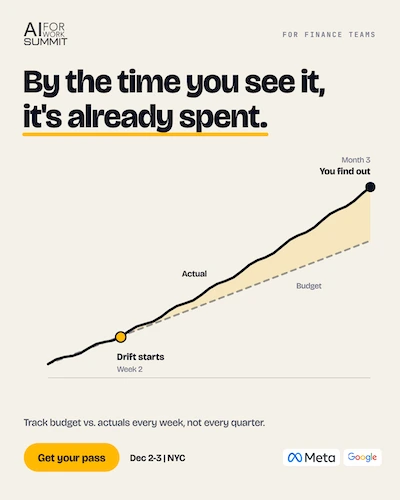
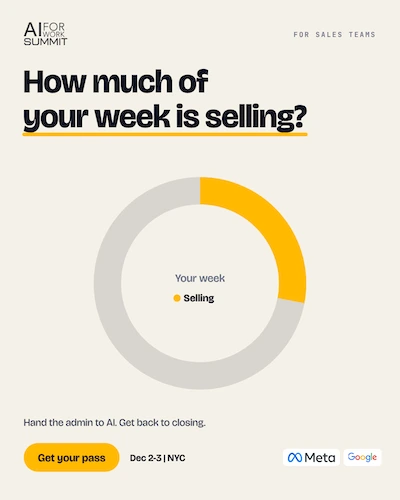
Finance, sales, marketing, HR and operations all use AI — none of them use it the same way. Pick the card that looks like your week. The workshops below are built around those problems.
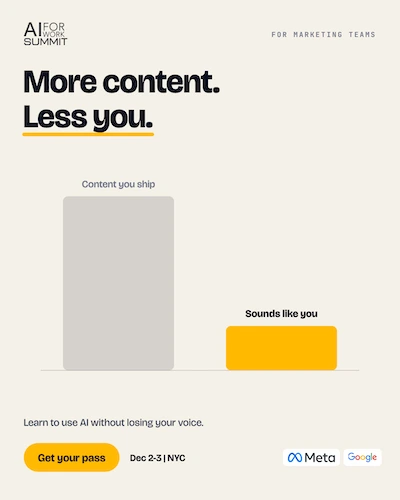
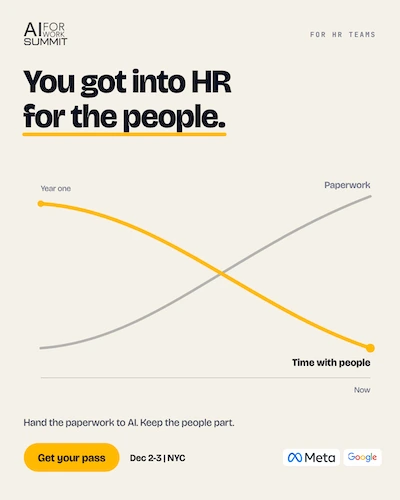
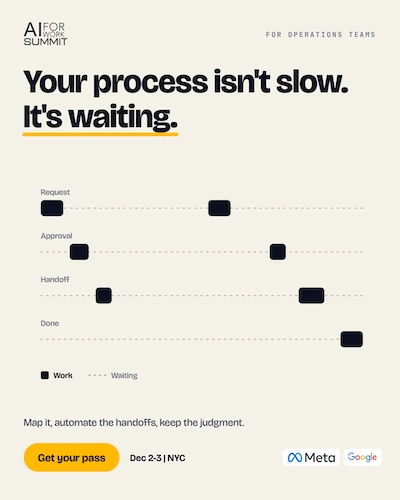
Explore the Business Workshops sessions, with no coding required.
Instructor: Sheamus McGovern
Work through the essentials of delegating tasks to AI, connecting work context, building multi-step workflows, and reviewing results before extending them to a team.
Bring a real task and suitable files you are permitted to use. The connections segment uses a prepared demonstration workspace; attendees do not need to connect corporate accounts.
Instructor: Mark Kashef
Build a practical Claude Cowork workflow from scratch. Define its role, provide context, organize the steps, and add review points for research, analysis, content, or operations.
Instructor: Greg Rosner
Learn how to give an AI agent a clear role, relevant context, and success criteria so you can delegate work with clearer expectations.
Session times are being finalized and some sessions may run at the same time. See the preliminary program for current details.
Depending on the sessions you choose, practical takeaways include:
The focus is on practical work you can adapt to your role.
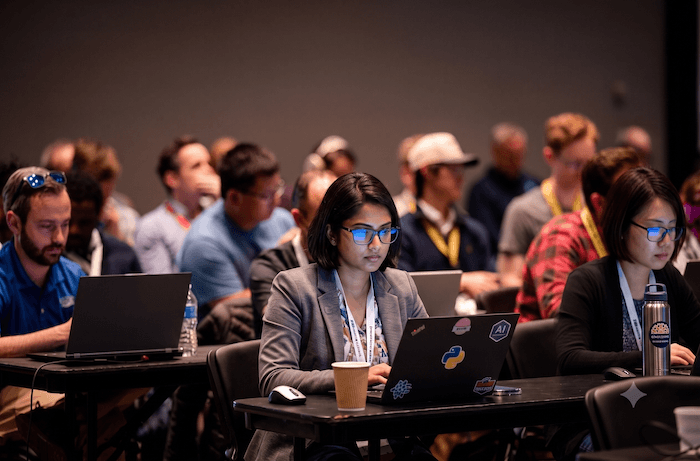
The first four below teach the Business Workshops featured on this page. You will also meet technical and leadership speakers from across the ODSC AI NYC summit, all of them practitioners putting AI to work in real organizations.
The lineup grows every week. Session titles and bios land here as they are confirmed, so check back before the summit.
Submit a sessionCheck which sessions each pass includes before you choose. Need help? Ask the event team about team options.
Join with colleagues who understand your processes, customers, and day-to-day tasks. Use the workshops to identify useful applications and develop a shared approach to reviewing AI-assisted work.
Have technical or leadership colleagues joining you? The wider summit also offers Build, Lead, and AI Engineering Fundamentals tracks.
No. The Business Workshops featured on this page are designed for business professionals and require no coding. The wider summit also includes technical tracks with different prerequisites.
People in marketing, sales, operations, finance, HR, management, consulting, and other business roles who want to apply AI to recurring tasks and workflows.
Yes. These sessions focus on moving from individual requests to repeatable work: providing context, defining steps, reviewing results, and deciding where human judgment is needed.
The featured program includes hands-on exercises in specifying tasks and building and testing workflows, alongside demonstrations and interactive instruction. Check each session description for its format.
The full-day training’s connections segment uses a prepared demonstration workspace. You do not need to connect corporate accounts for that segment. Follow any published preparation instructions for your selected sessions.
Bring a laptop and a recurring task you would like to improve. Use only files and information you are permitted to share with the tools involved. Check your selected workshops for any additional preparation requirements.
The featured program includes a Claude Cowork workshop. Check individual session details for other tools and any account or setup requirements as they are confirmed.
View the current pass options and check access to the Business Workshop sessions you want to attend. Contact the event team if you need help choosing.
ODSC AI NYC takes place December 2–3, 2026 at Jay Conference Center Bryant Park, 109 West 39th Street, New York, NY 10018. The event is in person.
The summit offers tracks for business practitioners, technical teams, and leaders. Check the access included with your chosen passes, or ask about team options.
Join ODSC AI NYC for practical, no-code workshops on building, testing, and reviewing AI workflows.
December 2–3, 2026 · Jay Conference Center Bryant Park · New York City
Want the broader program? Explore the full summit